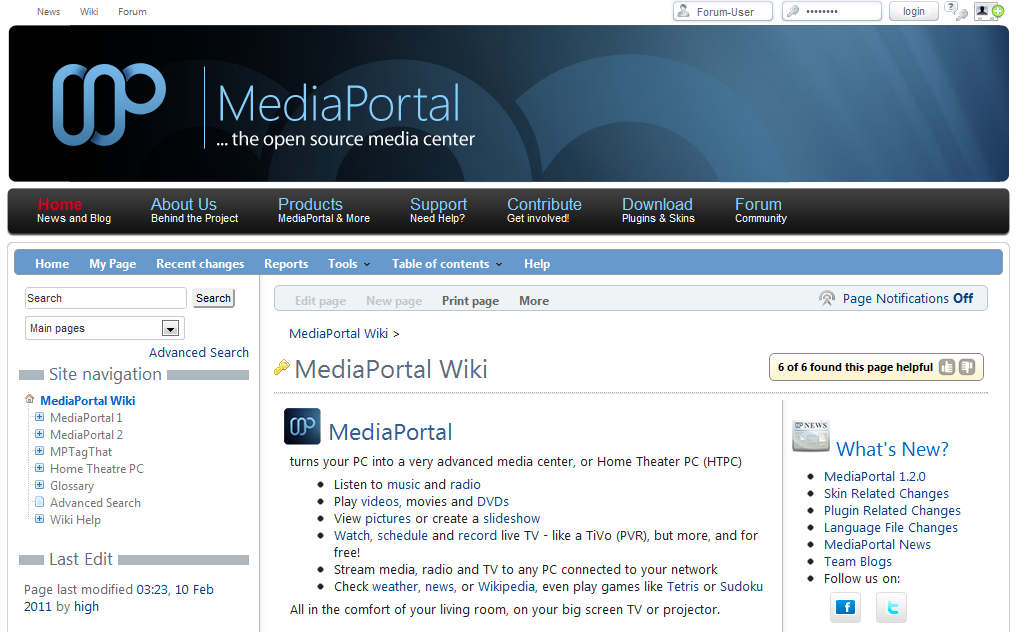
At long last our Wiki beta test is over. Now, all registered forum users can contribute.
We apologize for the delay in the final public release. Although our test phase was very successful, with very few issues, there was a bug in the user authentication which prevented login for about 3500 users with spaces in their username. We did not want to release the Wiki until all users could have equal access.
How do I get access?
You can access the Wiki from:
- The quick link at the very top line of every page on our website or forums, where it displays the links to News, Wiki, Forum.
- The Main Menu > Support > Documentation link.
- Directly from the forums via the Main Menu > Wiki | Documentation
Then just log in (top right of screen) with your forum user name and password.
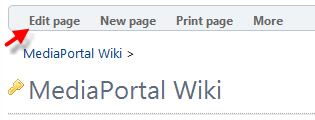
If you are one of the several hundred users who already logged into the Wiki during the test phase, just log out and back in, and you should have access to contribute. Just check if the Edit Page Menu option is accessible.

Be sure to add your email address via the Tools > My Preferences menu option to unlock many advanced features of the Wiki, like page notifications, etc. (note your email address will not be visible or accessible to other Wiki users).
Can I contribute to the Wiki?
Of course! The whole point of a Wiki is to pool our knowledge and experience, much the way we share our development expertise to enhance MediaPortal. There are so many options to tweak MediaPortal in so many ways, it is impossible for any one person to know everything. We want our developers to develop, right? So the more users document this great software, the more time the developers have to improve it!