MediaPortal 1.28 Pre-Release

Pre Releases are provided as a way for the community to test and give feedback on all the exciting things we have lined up for the next release. We allocate about one month for Pre Release testing. In that time we will only fix bugs, after which comes the final release!

Highlights of this release 

Bugfixes:

  • [MP1-5053] - TV framerate is not parsed from tsbuffer
  • [MP1-5058] - Infinity waiting in TVClient library
  • [MP1-5059] - Performance stats displayed incorrectly
  • [MP1-5061] - SQLite does not select all data when there is a lot of data
  • [MP1-5062] - Update urls in deploytool
  • [MP1-5071] - Improve XMLTV Plugin property parsing

New:

Improvement / Rework:

  • [MP1-4242] - Watchdog improvement
  • [MP1-5049] - Add MusicBrainz fields in Music database
  • [MP1-5063] - Update code for windows server
  • [MP1-5068] - Update Mediainfo to 21.3.1
  • [MP1-5069] - Update libsamplerate to 0.1.9
  • [MP1-5072] - Update MetadataExtractor to 2.5.0
  • Germany DVBC Tunigdetails Vodafone NRW and Hessen
  • Update Titan skin
  • The language files have been updated
Along with the above items we kept consolidating our software.

Notes:

For use Bluray with BD-J support, please read the Wiki


Full list of changes

gear-iconYou can review the complete change log for this Release by using the link below:
Changelog: MediaPortal 1.28 Pre Release
Changelog: MediaPortal 1.28 Release

Documentation of new features will be added to: Wiki - What's New


Installation, Upgrade, Download and Feedback

Installation

microsoft net framework 4 e711eSince we switched to .NET4 you need to make sure you have.NET4 installed on your computer (not needed if you are on Windows 8 because it comes with .NET4, but you NEED the .NET 3.5 features enabled!). Otherwise you are not able to install MediaPortal and the installer just quits.

Download-Link: Microsoft .NET Framework 4 (Standalone Installer)

Aside from that when doing a clean installation of the this Release there is nothing else to worry about.

Microsoft SQL Server

MS SQLIf you plan to use MSSQL server for TV it is necessary to install it yourself before installing Mediaportal with TV Server. Instructions for previous versions are on the wiki, note that new versions were not checked for 100% compatibility.

For Windows XP, Vista - MSSQL 2005 - SQL Server 2005

For Windows 7 or later - MSSQL 2008 - SQL Server 2008 or SQL Server 2008 R2 Express

For Windows 7 or later - MSSQL versions above 2008, there's no official documentation from Mediaportal but you can install and configure it based on the articles above, google or documentation from Microsoft. Compatibility has not been tested.

Upgrade

update-iconUpgrading from MP 1.2.0 Beta or later to 1.28 Pre-Release

All MediaPortal 1.2.0 Beta installations can be upgraded to this Release without losing your settings.

Plugins:

If you are running MediaPortal 1.6.0 or earlier, then it is possible that some of your previously installed plugins will be shown as incompatible after the upgrade to this Release! Whether or not a plugin is incompatible depends on the MediaPortal subsystems the plugin uses.
All plugins that work for the 1.7.1 HotFix release, should also work with the this Release.

Upgrading Extensions:

The easiest way to upgrade your extensions is by launching the MediaPortal Extension Installer, and let it check for updated versions. However this only works for extensions that use our MPEI system. If the author of the extension releases it as a stand alone installer, you must contact them for an updated version.


General note about Upgrades

Manually stop TV-Service!

television-iconOn some systems our installer is not able to update the TV-Server installation because its files are locked or the service can not be stopped.
For upgrades to this Release we recommend that you manually stop the TV-Service and make sure, via Windows Task Manager (enable the "all users" option), that the TvService.exe process is really gone before starting to upgrade.

Custom TV-Service properties

If you manually changed the properties of the TV-Service (like restart on error options), then you must redo these changes after the upgrade. The installer is not able to save and restore your custom service properties when it installs the new version of the TV-Service.


Feedback

Bugs

If you think you found a bug then please post a detailed report in our Bug Reports Forum.

Make sure your report includes all the required information. Incomplete reports will be removed to keep the forum clean.


 Download

Finally - the download. We hope that you took the time to read this release news entirely because it includes vital information about the major changes.

  If you would like to support MediaPortal, we would be happy to receive a donation!

The Team wishes you a lot of fun with this new release!
.::. Download - MediaPortal 1.28 Pre-Release .::.

MediaPortal 1.27 Final "A New Hope..."

Wir haben soeben MediaPortal 1.27 Final "A New Hope..." veröffentlicht.

Also, was gibt es Neues? 

Korrekturen:

  • [MP1-5051] - Musikwiedergabe nicht möglich, wenn ReplayGain aktiviert und der Titel keine ReplayGain-Informationen enthält
  • [MP1-5053] - Die TV-Bildwiederholrate wird nicht korrekt aus tsbuffer ausgelesen
Since Pre-Release :
  • [MP1-5055] - MediaInfo führt zu Absturz auf älteren CPUs
  • [MP1-5056] - Suche in Listen nun nicht nur in Englisch möglich

Verbesserungen:

  • [MP1-5043] - Solution auf Visual Studio 2019 aktualisiert
  • [MP1-5044] - NSIS auf aktuelle Version aktualisiert
  • [MP1-5048] - Anzeige im TV OSD über die Pause-Zeit des Live TV
  • [MP1-5049] - MusicBrainz-Felder in Musik-Datenbank hinzugefügt
  • [MP1-5052] - Startbildschirms bei Start im Fenstermodus vergrössert
  • DVB-T2 Daten der Tschechischen Republik aktualisiert
  • DTT-Frequenzen für Irland aktualisiert
  • Skin DefaultWideHD aktualisiert (OnlineExtra-Funktion)

Zusätzlich zu den o.a. Verbesserungen haben wir unsere Software auch "unter der Haube"  weiter verbessert.

Hinweis:

Informationen zur Benutzung von Bluray mit BD-J-Unterstützung finden Sie in unserem Wiki


Vollständige Liste der Änderungen

gear-icon

Die vollständige Liste der Änderungen in der MP 1.27 Final "A New Hope..." finden Sie unter dem folgenden Link:
Changelog: MediaPortal 1.27 Pre Release
Changelog: MediaPortal 1.27 Release

Dokumentationen zu den neuen Funktionen finden Sie unter diesem Link: Wiki - What's New


Installation, Aktualisierung, Herunterladen und Rückmeldungen

Installation

microsoft net framework 4 e711eDa MP jetzt unter .NET4 läuft, müssen Sie sicherstellen, dass Sie NET4 installiert haben (nicht notwendig unter Windows 8, da dieses OS bereits mit  .NET4 ausgeliefert wird, aber Sie müssen die .NET 3.5 Funktionen aktivieren!). Andernfalls können Sie MediaPortal nicht installieren, da das Installationsprogramm nicht ausgeführt wird.

Download-Link: Microsoft .NET Framework 4 (Standalone Installer)

Ausser diesem Punkt ist bei einer Neu-Installation von MP 1.27 Final "A New Hope..." nichts weiter zu beachten.

Microsoft SQL Server

MS SQLWenn Sie planen, den MSSQL-Server für TV zu verwenden, ist es notwendig, diesen selbst zu installieren, bevor Sie Mediaportal mit TV-Server installieren. Anleitungen für frühere Versionen finden Sie im Wiki, beachten Sie, dass neue Versionen nicht auf 100%ige Kompatibilität geprüft wurden.

Für Windows XP, Vista - MSSQL 2005 - SQL Server 2005

Für Windows 7 oder höher - MSSQL 2008 - SQL Server 2008 oder SQL Server 2008 R2 Express

Für Windows 7 oder höher - MSSQL-Versionen über 2008, gibt es keine offizielle Dokumentation von Mediaportal, aber Sie können es auf der Grundlage der oben genannten Artikel, Google oder der Dokumentation von Microsoft installieren und konfigurieren. Die Kompatibilität wurde nicht getestet.

Aktualisierung

update-icon

Aktualisierung von MP 1.2.0 Beta oder höher auf 1.27 Final "A New Hope..."

Alle Installationen ab MediaPortal 1.2.0 können auf die 1.27 Final "A New Hope..." aktualisiert werden, ohne Ihre Einstellungen zu verlieren.

Erweiterungen:

Wenn Sie noch MediaPortal 1.6.0 installiert haben, ist es möglich, dass einige Ihrer bereits installierten Erweiterungen als inkompatibel mit 1.27 Final "A New Hope..." angezeigt werden. Ob eine Erweiterung kompatibel ist, hängt von den MediaPortal Subsystemen ab, die die Erweiterung verwendet.
Alle Erweiterungen, die unter 1.7.1 HotFix laufen,sollten auch mit der MP 1.27 Final "A New Hope..." funktionieren.

Aktualisierung von Erweiterungen:

Der einfachste Weg, Ihre Erweiterungen zu aktualisieren, ist der Aufruf des MediaPortal Extension Installers und die Überprüfung auf aktualisierte Versionen. Dies funktioniert jedoch nur für Erweiterungen, die unser MPEI-System verwenden. Wenn der Autor der Erweiterung einen Stand-Alone-Installer bereitstellt, müssen Sie den Autor um eine aktualisierte Version bitten.

Skins:

Warnung! Durch die neuen Funktionen und Änderungen ab MP 1.4.0 sind keine Skins von MP 1.3.x kompatibel mit der MP 1.27 Final "A New Hope..."!

Bitte kontaktieren Sie den Autor Ihres Skins, und bitten Sie um eine Aktualisierung.

Allgemeiner Hinweis zu Aktualisierungen

Beenden Sie unbedingt manuell den TV-Service!

television-iconAuf einigen Systemen ist unserer Installer nicht in der Lage, die TV-Server-Installation zu aktualisieren, weil dessen Dateien gesperrt sind oder der Dienst nicht gestoppt werden kann.
Für die Aktualisierung auf die Version 1.27 Final "A New Hope..." empfehlen wir Ihnen, den TV-Service manuell zu beenden, wobei Sie sicherstellen sollten, dass der TV-Service auch wirklich beendet wurde (über den Windows Task Manager - aktivieren Sie die Option "Alle Benutzer").

Benutzerdefinierte Einstellungen des TV-Service

Wenn Sie Einstellungen des TV-Service manuell geändert haben (beispielsweise die Option "Neustart im Fehlerfall"), müssen Sie diese Einstellungen nach der Aktualisierung erneut festlegen. Das Installationsprogramm ist nicht in der Lage, benutzerdefinierte Service-Einstellungen zu speichern und wiederherzustellen, wenn die neue Version des TV-Service installiert wird.

Rückmeldungen

Fehler

Wenn Sie glauben, einen Fehler gefunden zu haben, schreiben Sie bitte einen ausführlichen Bericht in unserem Bug Reports Forum.

Achten Sie darauf, dass Ihr Bericht alle erforderlichen Informationen enthält. Unvollständige Berichte werden gelöscht, um das Forum sauber zu halten.

Herunterladen

Endlich - der Download! Wir hoffen, dass Sie sich die Zeit genommen haben, diese Nachricht komplett zu lesen, um sich über die wichtigsten Änderungen zu informieren.

  Wenn Sie MediaPortal unterstützen möchten, würden wir uns über eine kleine Spende freuen!

Das Team wünscht Ihnen viel Spaß mit der neuen Version!

Vielen Dank an catavolt für die Übersetzung der News!

.::. Download - MediaPortal 1.27 Release .::.

MediaPortal 2.3.2 Release

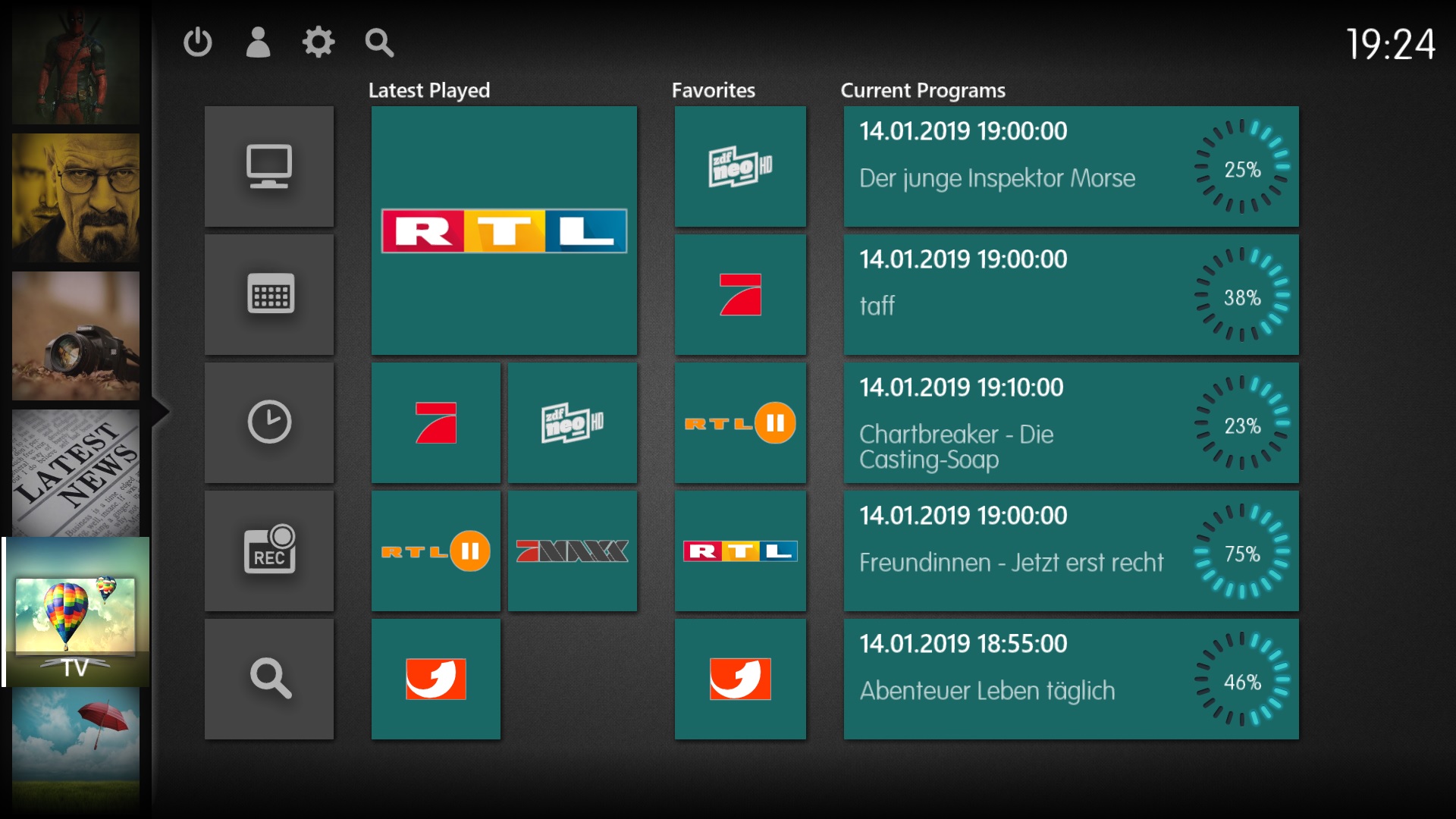
  • Home Movie 2
  • 326533 Home TV 5d758
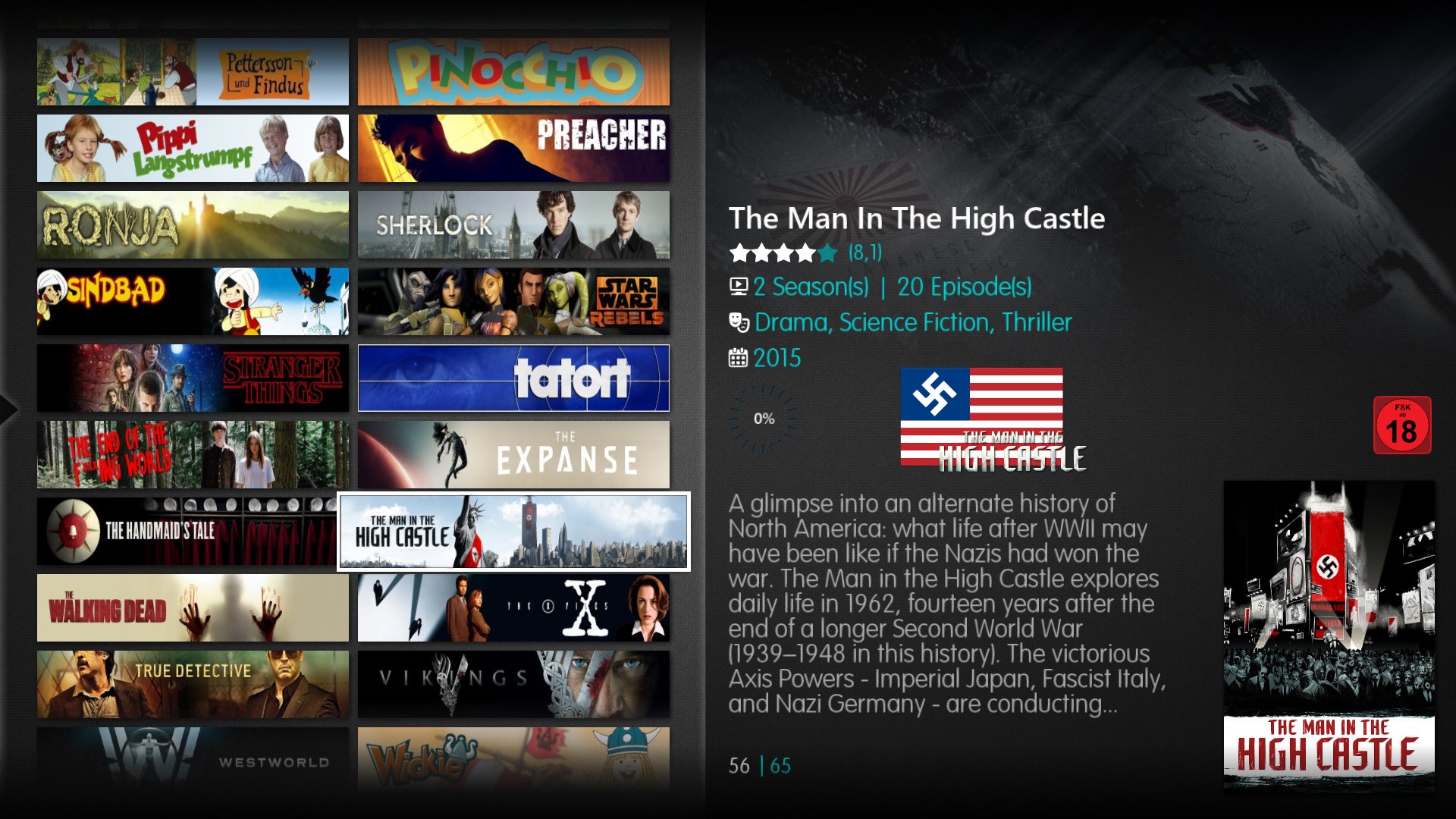
  • 326537 Series banner ea365
  • Nereus Home Movie 2

  • Nereus Home TV

  • Nereus Series Banner

MP2 newyear c2f19
We are proud to present MediaPortal 2.3.2

MediaPortal 2.3.2 is a full-blown media center software that addresses the most common user requirements out of the box. Aside from its support for Live TV and Radio, it offers a complete media server for music, movies, and TV shows. Info is automatically downloaded from various sources to provide posters, fanart, album art, and various additional metadata, such as cast, staff, and more. MediaPortal 2.3.2 also provides access to online video sources such as Netflix and Amazon Prime. Integrated news, weather information and management for your digital images complete this software package.

MediaPortal 2.3.2 is mainly a bugfix release. Please read the instructions under 'Upgrade' in the bottom of this news. The changes are:

Nereus

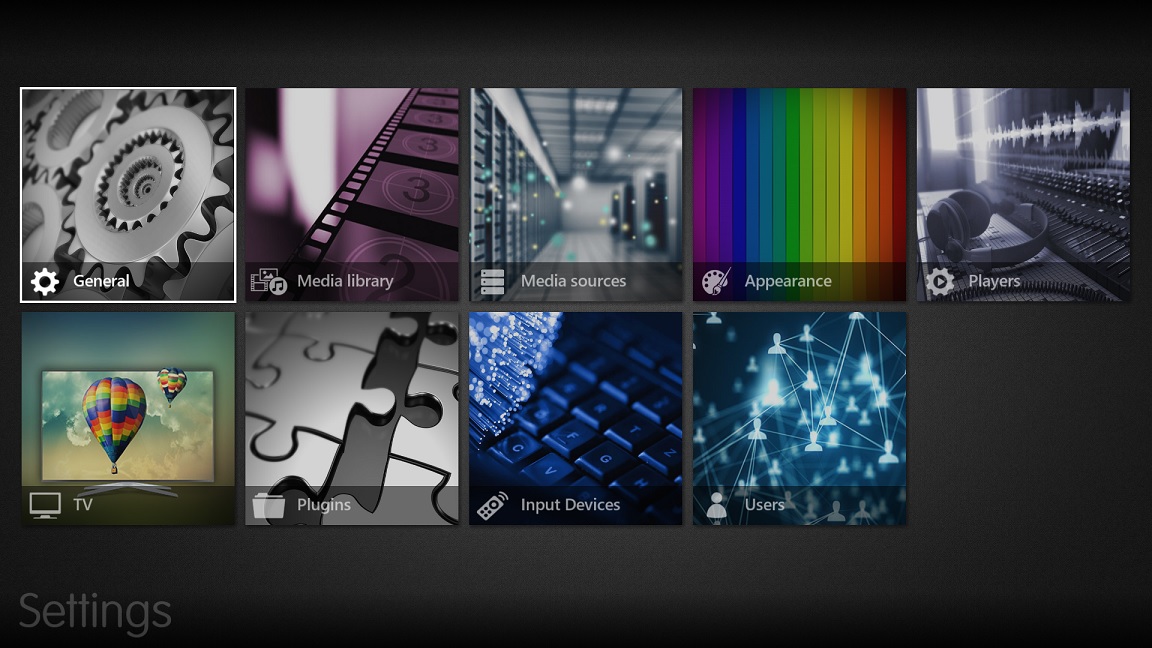
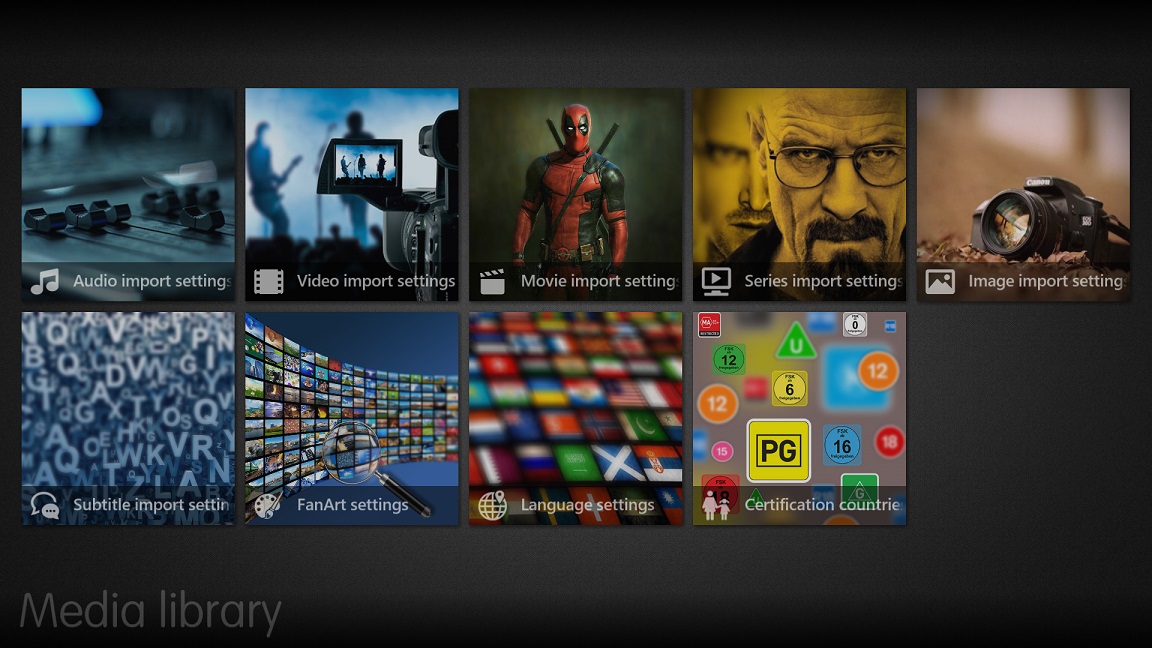
Settings Appearance

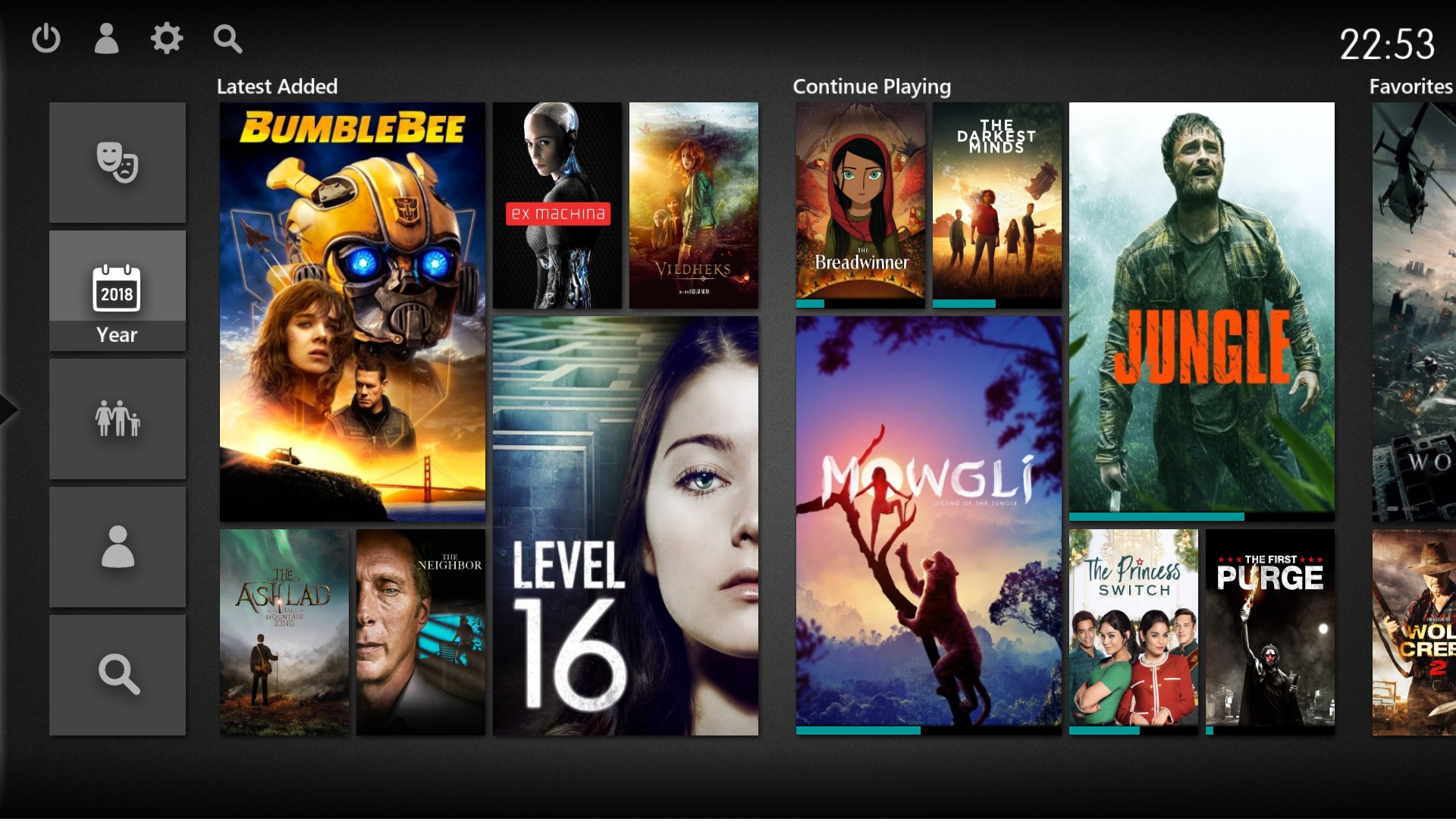
The setting appearance of MediaPortal 2 is significantly improved. All setting screens without content consist of tiles instead of lists now.
2 2195a 2 2195a

Bug-Fixes

  • Only one media item shown, when superiour filter view (Season, CD) had only one item
  • DvbSubtitles crash application in 64 bit mode

Moving from MP1 to MP2

Procedures to install MP2 in parallel to MP1 are described in the Wiki

For all those who would like to move from MP1 to MP2 and preserve their current media organisation, our forum member raffe has created a small tool that will extract information from your MP-TvSeries and MovingPictures databases and picture folders, The tool will leave all your original data untouched, create .nfo files for all your media and copy existing pictures from your MovingPictures and MP-TvSeries to your new MediaPortal 2 media folders. The .nfo files and pictures then allow a smooth and quick import of all your media info into MediaPortal 2. See thee respective forum thread for further details.


Full list of changes

You can review all changes by taking a look at changelog: MediaPortal 2.3.2
For known issues please check out our Jira and our Bug Reports Forum.


Installation, Upgrade, Download and Feedback

Installation

Download the zip archive and check the "Allow access" box in the context menu. Then extract the archive and execute the MP2 Setup file.The installer will automatically download any missing components and install them.

Windows 10 K and KN editions: You need to manually download and install the additional Microsoft Media feature pack first. This will add the Windows Media Player and related technologies that are required by MediaPortal 2 to work.
Wiki:  http://www.team-mediaportal.com/wiki/display/MediaPortal2/Installing+MediaPortal+2

Upgrade

We strongly recommend to first uninstall previous versions of MediaPortal 2 before installing MediaPortal 2.3.2, this is also the case when upgrading from MediaPortal 2.3 to MediaPortal 2.3.2.
We are working on an improved installer for future releases, that is more user friendly and working stable in all conditions.

N.B.: If you upgrade from an earlier version than MediaPortal 2.1 the database is incompatible and cannot be migrated. You will need to redo your server settings including the setup of media sources.


Feedback

Bugs

If you think you found a bug then please first check if it has not already been reported: the Bug Reports Forum contains all active user bug reports with their respective status. For new issues post a detailed report in our Bug Reports Forum. Make sure your report includes all the required information.

Appearance and functionality

We invite you to make suggestions for improvement with special focus on menu layout, menu content explanatory texts and translations. Please post your comments in a new thread in the General section.

Requests for missing/new features should be made in the Feature Request Forum. As for bugs we would appreciate if you first verified that your request has not already been raised before. Also if possible please make only one request per thread.


Download

We hope that you took the time to read this release news as it includes vital information about the major changes. Get your own copy of the new MediaPortal 2.3.2 by selecting the download link.

thumb Donate MP2 151f1  If you would like to support MediaPortal, we would be happy to receive a small donation!

The MediaPortal 2 team wishes you a a Merry Christmas and a lot of fun with this new release!

.::. Download - MediaPortal 2.3.2 .::.

 
:: Post a Comment ::

About The Project

The vision of the MediaPortal project is to create a free open source media centre application, which supports all advanced media centre functions, and is accessible to all Windows users.

In reaching this goal we are working every day to make sure our software is one of the best.


Quick Navigation

  • Home
  • About MediaPortal
  • Bugtracker
  • Download
  • Diese E-Mail-Adresse ist vor Spambots geschützt! Zur Anzeige muss JavaScript eingeschaltet sein!
  • Our Partners

Support MediaPortal!

The team works very hard to make sure the community is running the best HTPC-software. We give away MediaPortal for free but hosting and software is not for us.

Care to support our work with a few bucks? We'd really appreciate it!